From client call to closed deal
Turn client-call transcripts into proposals, contracts, NDAs, e-signatures, and payment collection.
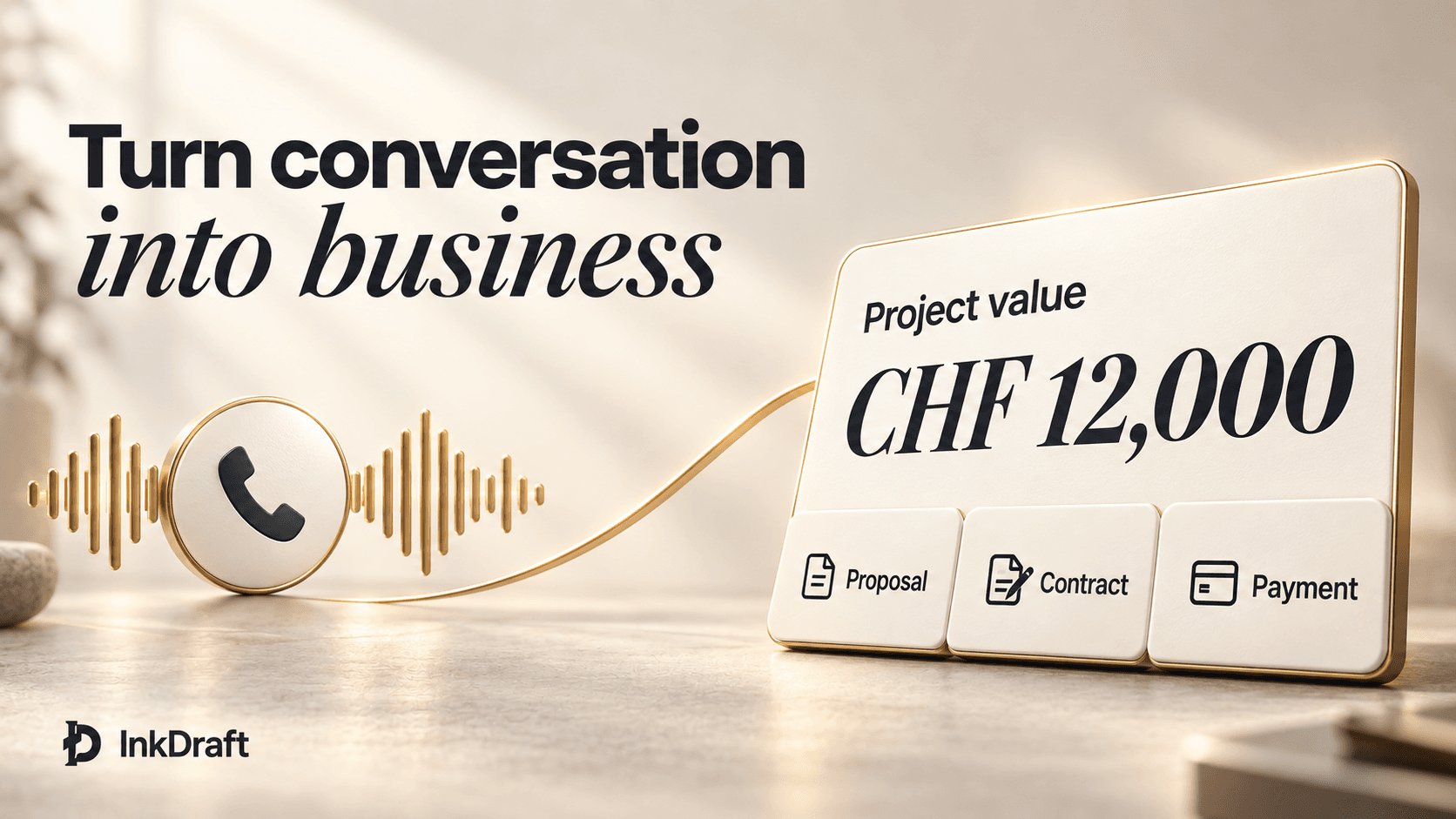
How it works
Bring the call.
The paperwork follows.
Upload the call
TranscriptNotesFathom
Get the drafts
ProposalAgreementNDA
Send one link
ReviewSignaturePayment
Pricing
for your deal flow.
Growth covers it · from CHF 2.98 a deal
Starter
CHF 49per month
- 15 deals a month
- 3 seats
- 10 knowledge sources
Growth
CHF 149per month
- 50 deals a month
- 10 seats
- 50 knowledge sources
Scale
CHF 399per month
- 200 deals a month
- 25 seats
- 200 knowledge sources
Taxes, if applicable, are calculated at checkout. Renews automatically until cancelled. Cancel anytime.
Compare plans in detailFAQ
Questions people ask before they start.
Something else? Write to us
The product
What does InkDraft actually do?
InkDraft turns a client-call transcript into a review-ready proposal, professional services agreement, or NDA. You review and edit the draft, share a secure review link with your client, collect an electronic signature on the agreement, and request payment once signing is complete.
Who is InkDraft for?
InkDraft is for service businesses and independent professionals that turn client conversations into proposals, contracts, or NDAs for review, signature, and payment. It works whether you serve businesses or consumers.
How does InkDraft turn a call into a proposal?
Import directly from Fathom via OAuth, or paste an exported transcript from Zoom, Fireflies, Otter.ai, or another recorder. InkDraft extracts the commercial terms with source evidence, generates a proposal where every line traces back to the conversation, and carries the deal through client review, electronic signature, and payment. Turn a call transcript into a proposal
Your client
What does my client review and sign?
Your client reviews the proposal in a secure link, comments on terms, and approves the direction. When it is time to sign, you send the related contract or NDA for electronic signature.
When does payment collection happen?
After the agreement is signed. If you configure a payment or installment schedule on the contract, InkDraft activates it once signing completes and sends your client a payment link. Payment collection requires a connected Stripe account with payment setup completed.
Trust and data
How does InkDraft keep AI drafts grounded?
Every commercial term in your proposal and contract traces back to what was agreed on the call, and every total is checked before you see it. InkDraft extracts the terms with source evidence and keeps the arithmetic outside the AI, so it never decides what your client owes. You review and refine every document before it reaches your client. InkDraft is a drafting tool, not a substitute for professional or legal advice.
Does InkDraft replace my lawyer?
No. InkDraft structures your proposals and contracts and keeps terms consistent with what was said on the call, but it does not provide legal advice. Have a professional review your standard terms.
Is my deal data secure?
All data is isolated to your organization with no cross-tenant access. InkDraft does not train AI models on customer content. By default, we route AI requests to providers configured not to collect customer content and to use zero-data-retention endpoints. For stricter compliance needs, dedicated privacy mode can route AI processing through your approved private infrastructure, so transcript content is not sent to OpenRouter.