How to Write a Proposal That Gets Signed
InkDraft
6/2/2026
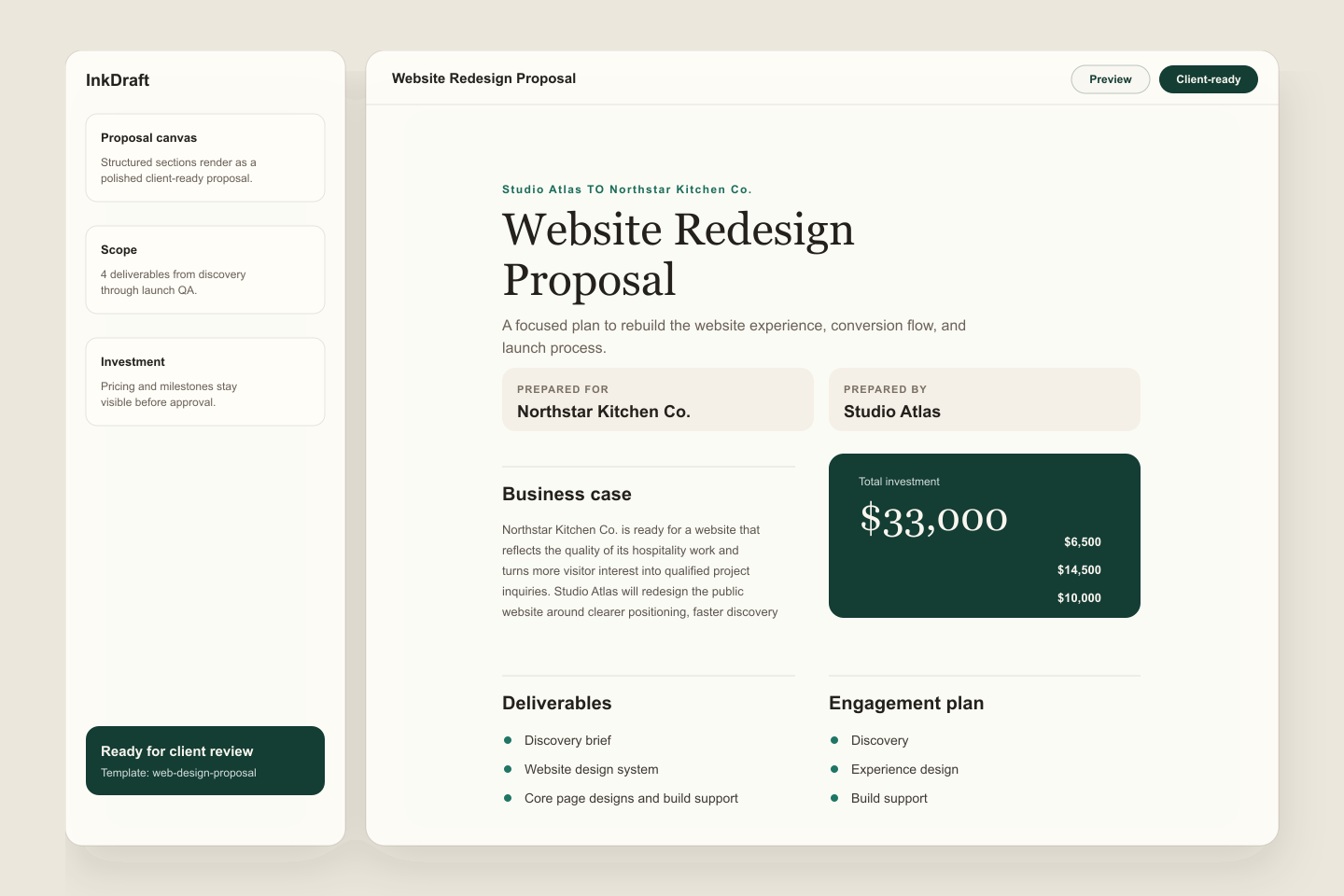
The fastest way to write a proposal that gets signed is to make the buying decision simple. Put the business problem first, show the recommended approach, define the scope, show the investment, and end with one clear approval step.
Start With The Decision
Before you write sections, write the decision your client needs to make:
- What outcome are they buying?
- What work is included?
- What will it cost?
- What happens after approval?
If a section does not help answer one of those questions, cut it or move it into an appendix.
Make Scope Concrete
Scope is where many proposals become vague. Use deliverables, exclusions, and client dependencies instead of broad promises.
For example, "website redesign" is too loose on its own. A clearer scope says the project includes discovery, information architecture, responsive page designs, implementation support, and launch QA. It also says what is not included, such as paid media or ongoing content production.
The Web Design Proposal Template shows this structure with deliverables, out-of-scope items, milestones, and payment terms already separated.
Tie Pricing To Milestones
Clients understand pricing faster when it maps to the work plan. Instead of one unexplained total, break the investment into phases such as discovery, design, build support, and launch.
That does not mean every proposal needs complex billing. It means the number should have a reason the client can repeat internally.
Add Approval Terms
A signed proposal should say what acceptance means. Include the expiration date, payment timing, ownership terms, and whether a separate services agreement applies. Keep the language practical and avoid promising legal conclusions your business cannot verify.
Do This In InkDraft
InkDraft turns the proposal structure into a reusable canvas: sections for the business case, scope, deliverables, investment, timeline, and terms stay connected in one document. Start with the web design proposal template, adjust the scope, then send a version your client can review and sign.